
ATZ CRM Email And Calendar Integration Guide
Introduction
This guide provides step-by-step instructions on integrating your email with ATZ CRM to manage communications efficiently. With email integration, you can access, send, and manage emails directly within the CRM platform.
Email Integration Setup
Section titled “Email Integration Setup”STEP 1: Click on the inbox on ATZ CRM dashboard
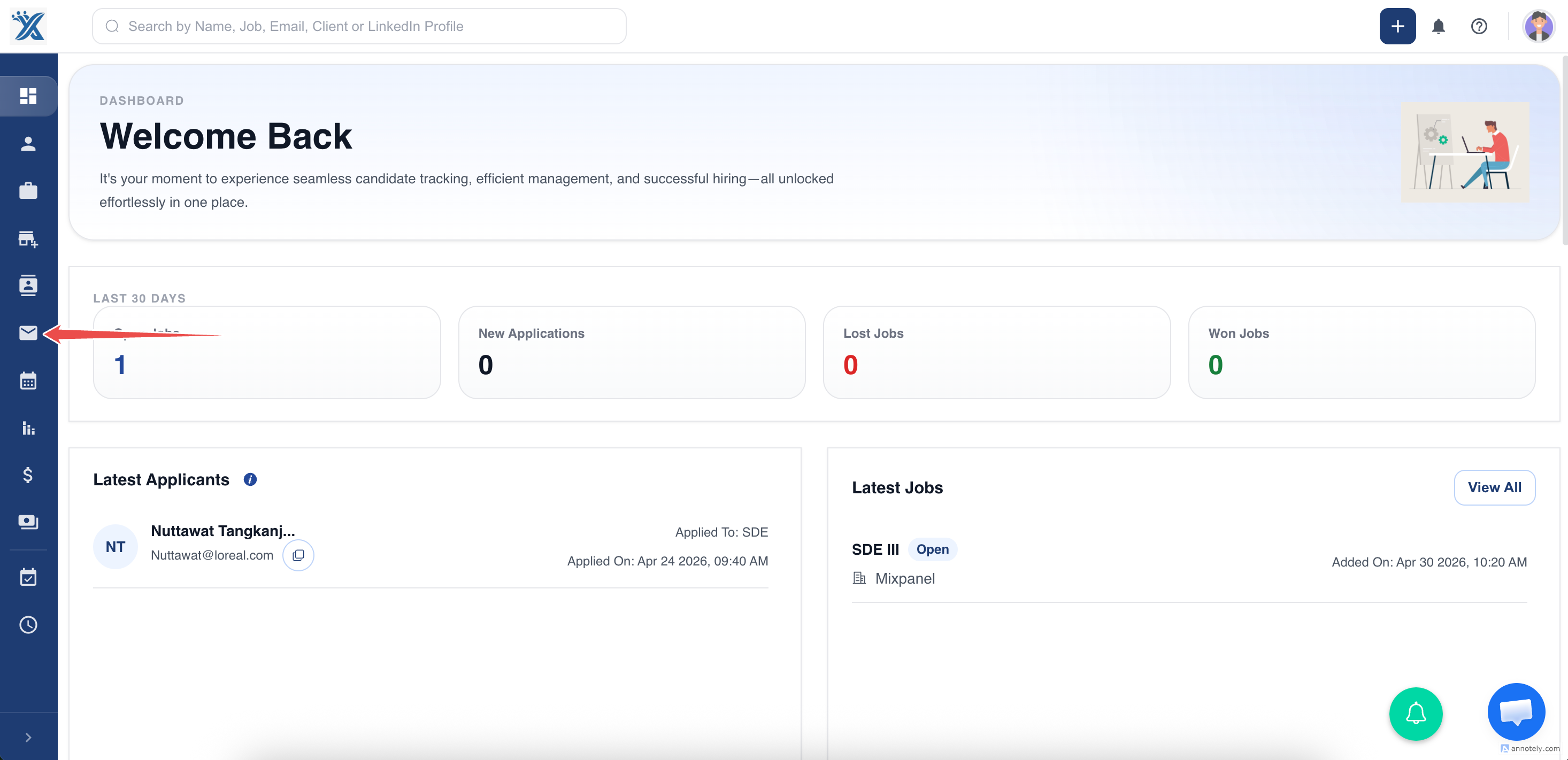
STEP 2: Click on integrate your email option
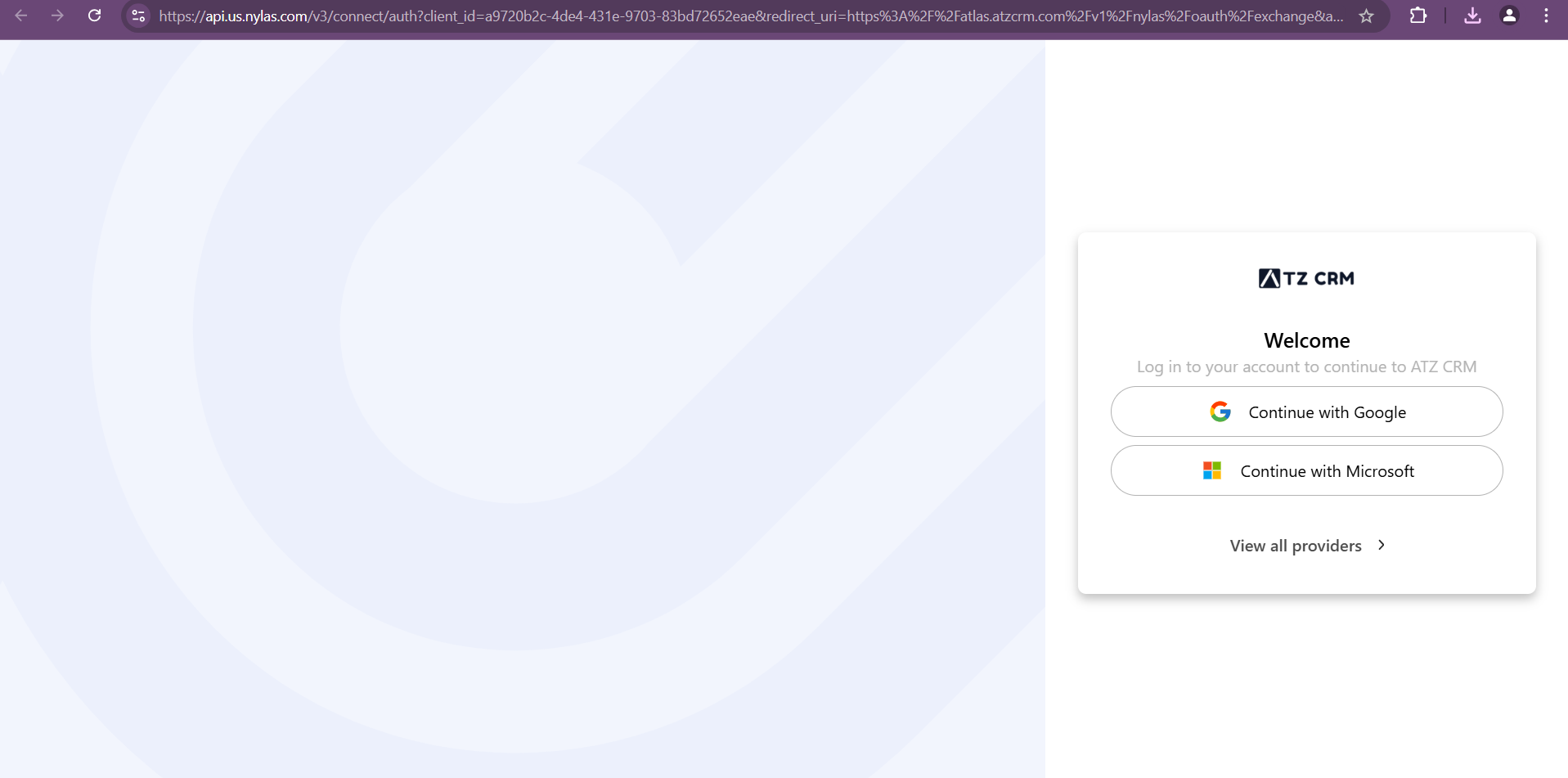
Step 3: once clicked you will be redirected to a new window
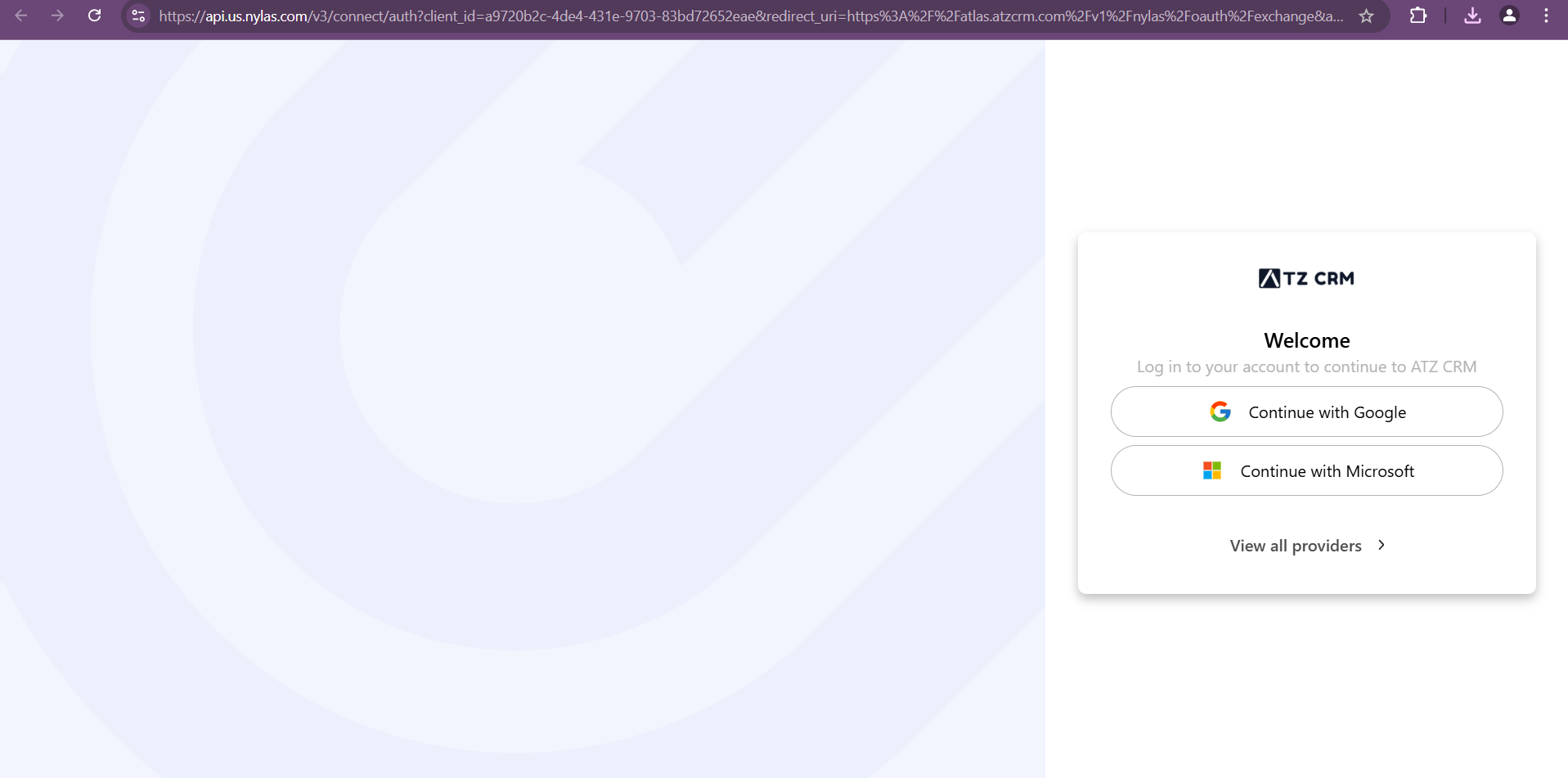
Step 4: log in with your email via your service provider( for example gmail,yahoo etc)
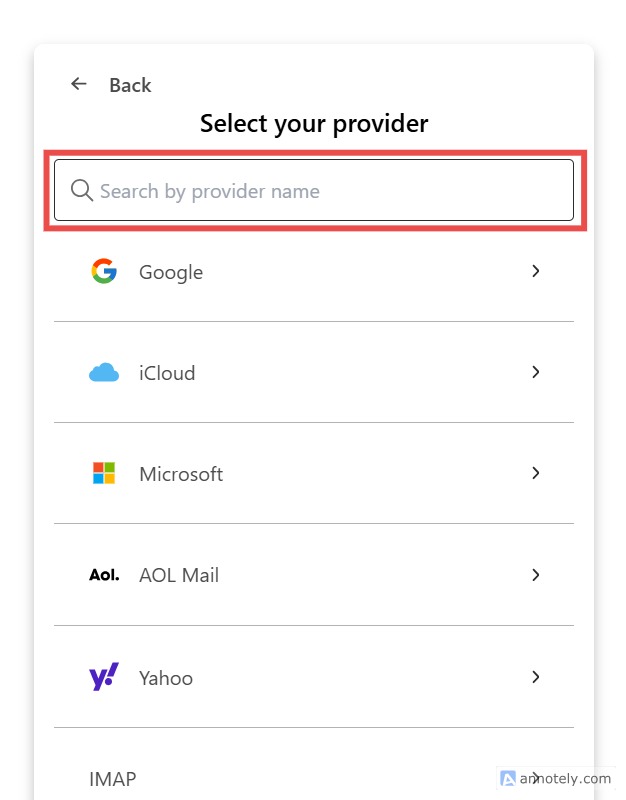
Step 5: Once authorized, your inbox will be displayed within ATZ CRM.
You can view received emails, sent emails, and draft
Calendar Integration
Section titled “Calendar Integration”Step 1: Access Activities Section
Section titled “Step 1: Access Activities Section”Navigate to the Activities tab in dashboard atz crm.
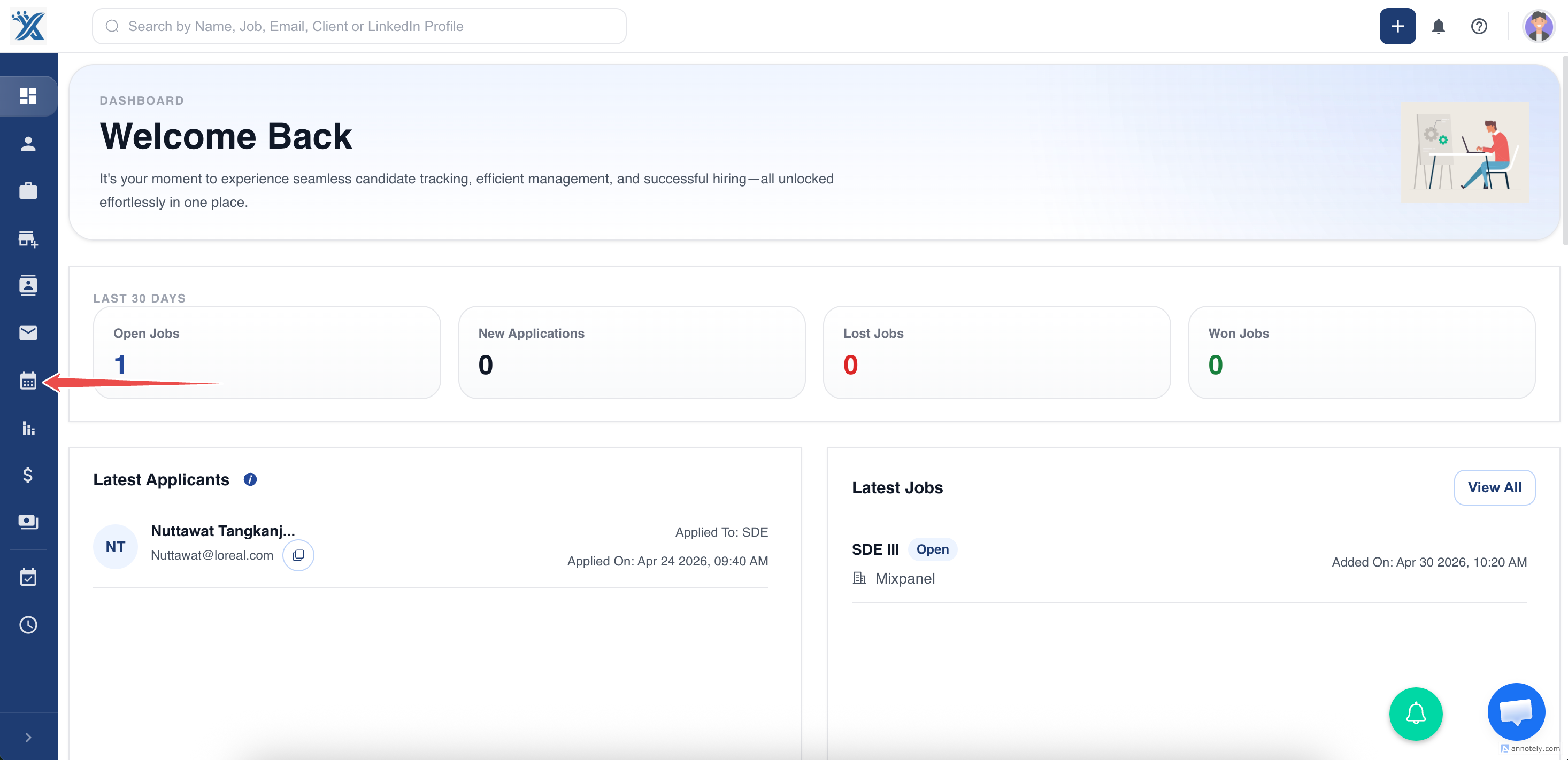
Step 2: Calendar Integration
Section titled “Step 2: Calendar Integration”Click on the Integrate Calendar button.
Authorize third-party calendar access (e.g., Google Calendar)
Scheduled activities will now sync with your calendar.
Follow the detailed guide on How to add/edit activities in ATZ CRM
With ATZ CRM email and calendar integration, recruiters can streamline communication and stay on top of scheduled activities efficiently.
Hope this helps!