
Bulk Resume Parsing in ATZ CRM
To perform Resume Parsing (single/bulk) in ATZ CRM, here’s a brief step-by-step guide in simple terms:
Single Resume Parsing:
Section titled “Single Resume Parsing:”-
Log in to your ATZ CRM account and Go to Candidates Entity.
-
Click on Add Candidate.
-
In Resume field, you can upload the resume. ATZ CRM automatically parses the resume data (name, contact, experience, skills). Review the parsed data and make corrections if needed.
4.Save the candidate profile.
Done, you have parsed a Resume Successfully!
Bulk Resume Parsing:
Section titled “Bulk Resume Parsing:”-
Log in to your ATZ CRM account and Go to Candidates Entity.
-
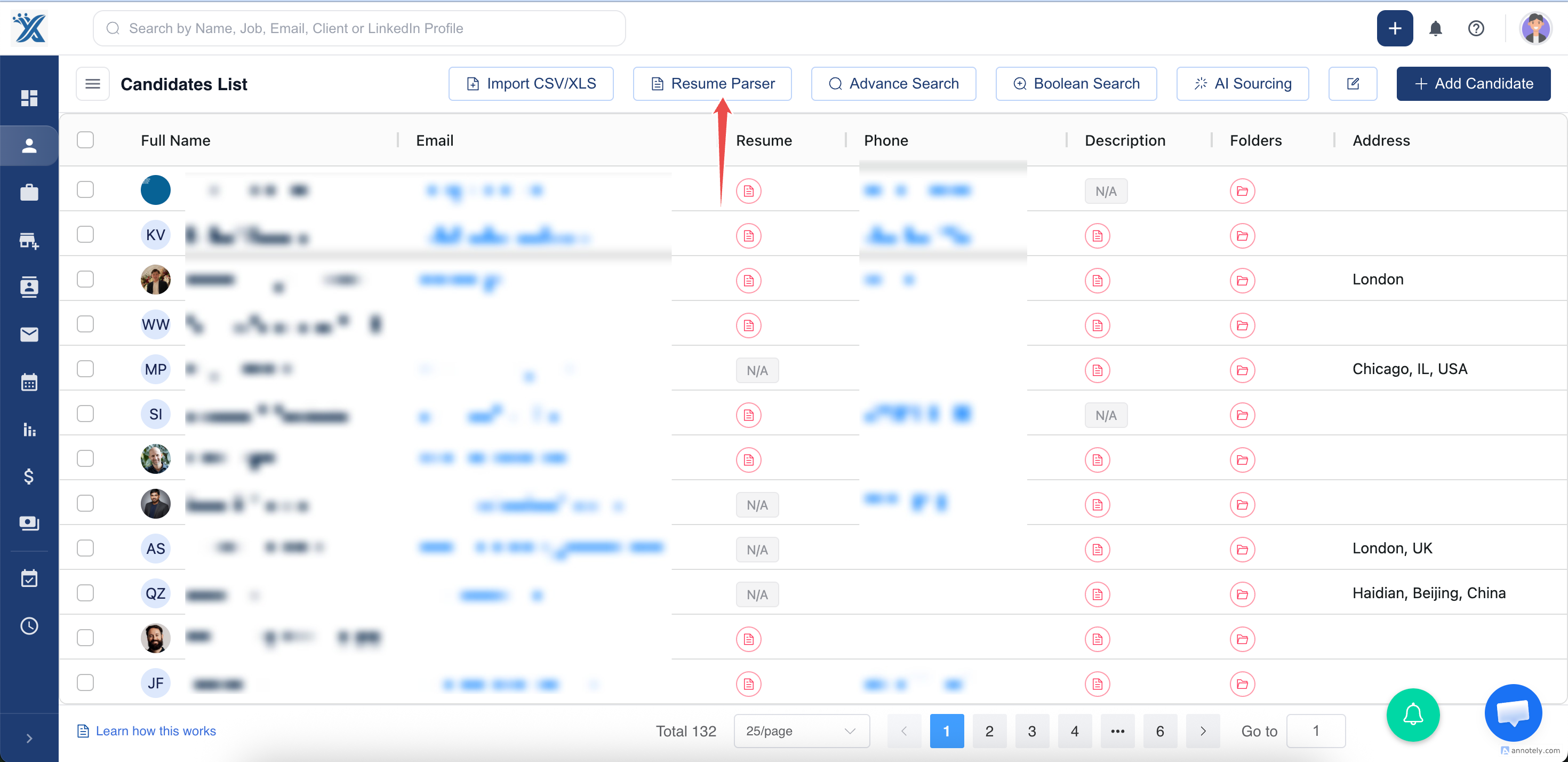
Click on Resume Parser button.
- Click and Select the Resumes you need to parse.
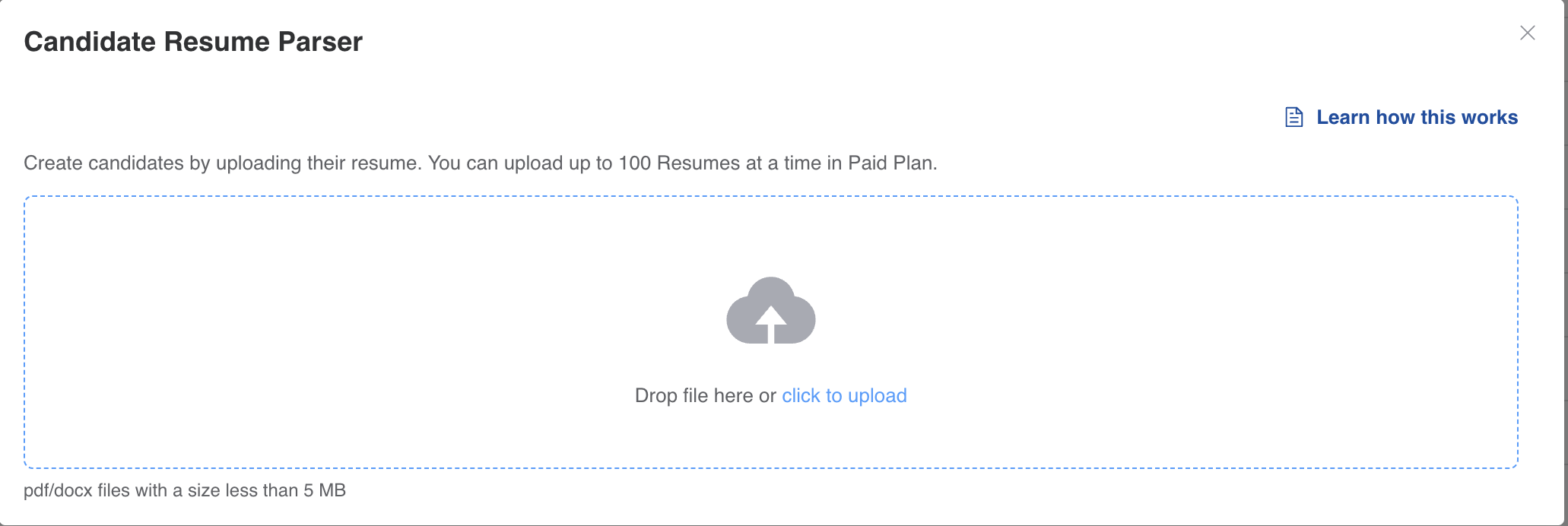
The Resumes will get parsed automatically.
Done, you have bulk parsed resumes in ATZ CRM successfully!