
Understanding the Email Detail Page
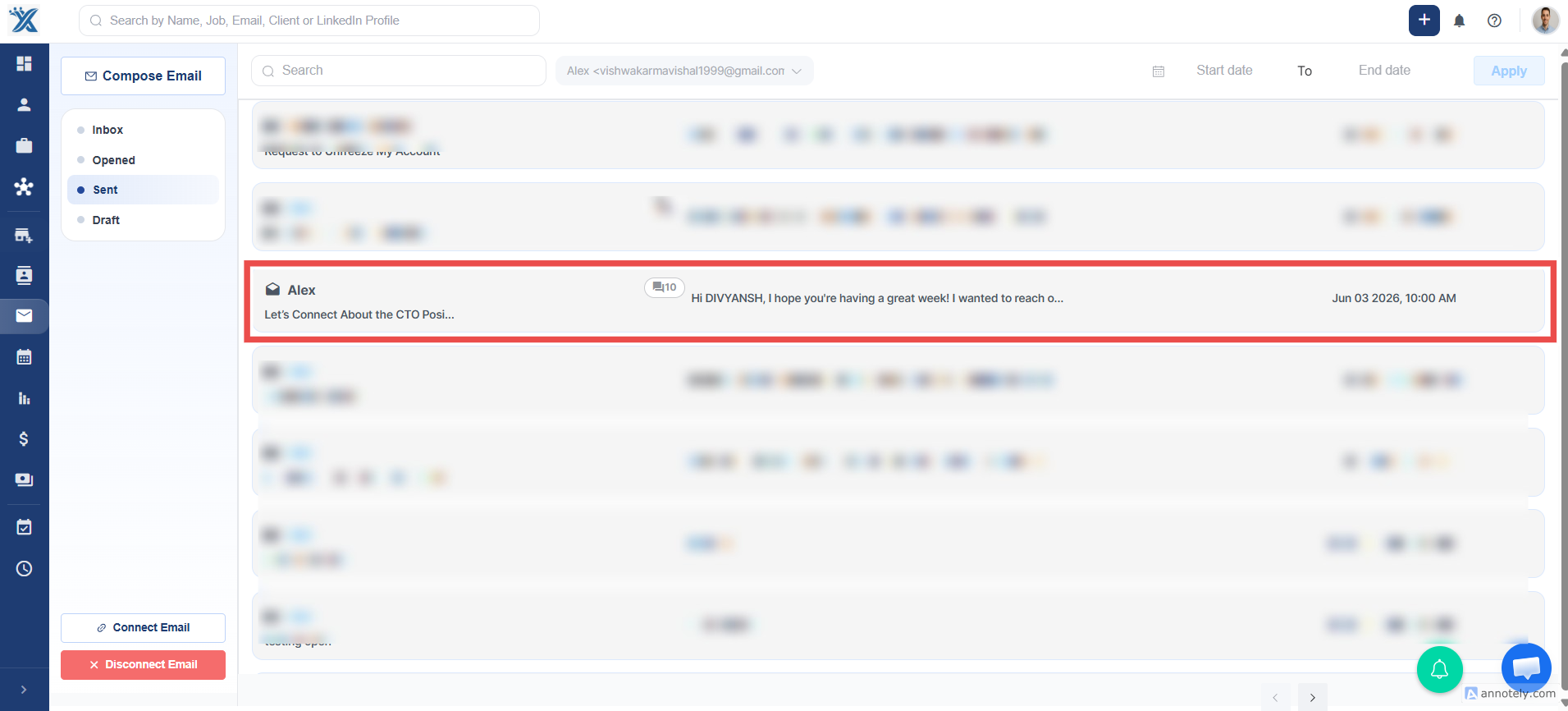
The Email Detail Page allows you to view all messages that belong to a single email thread in one place.
Viewing Email Threads
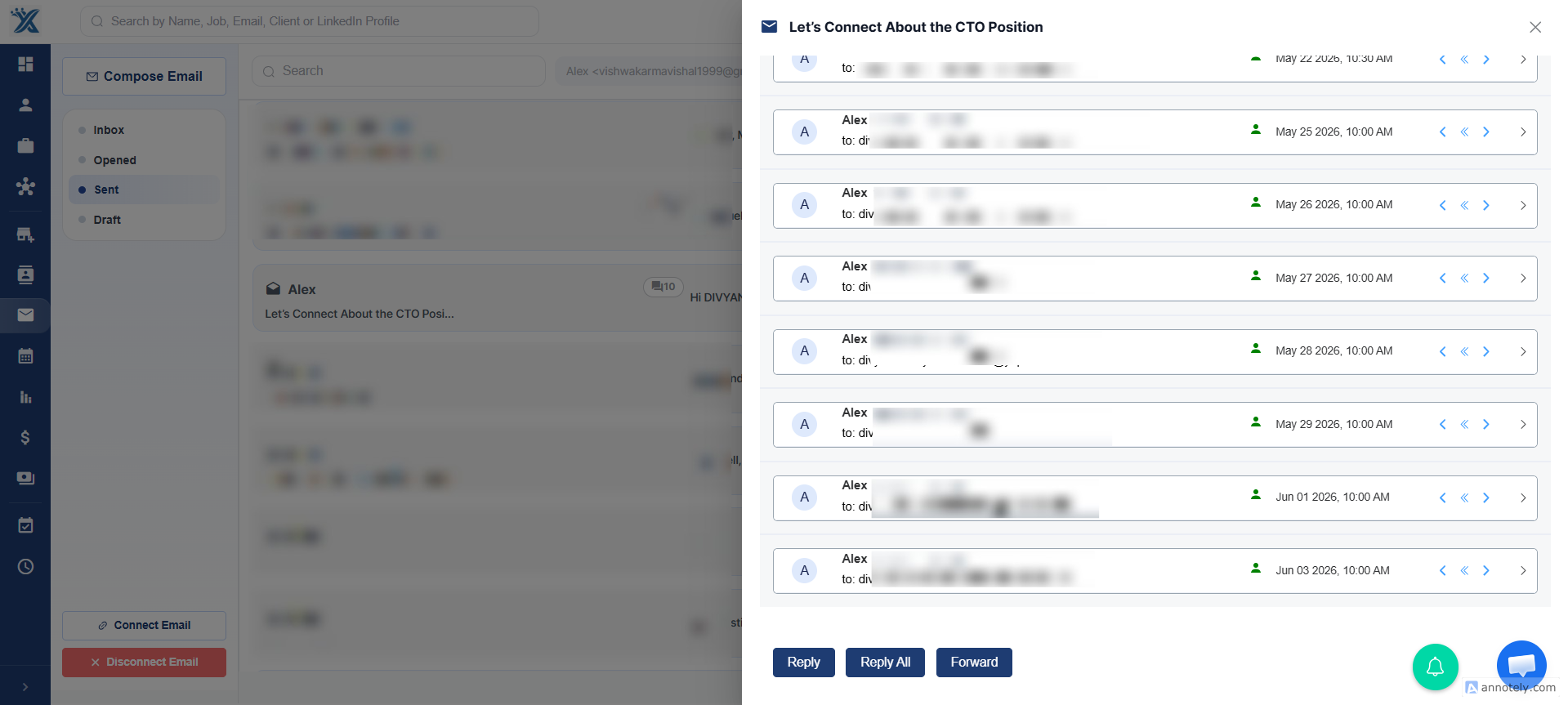
Section titled “Viewing Email Threads”From the Email List View, you can see how many email messages are included in a particular conversation. When you open an email thread, the Email Detail Page displays all messages associated with that thread.
Finding Attachments
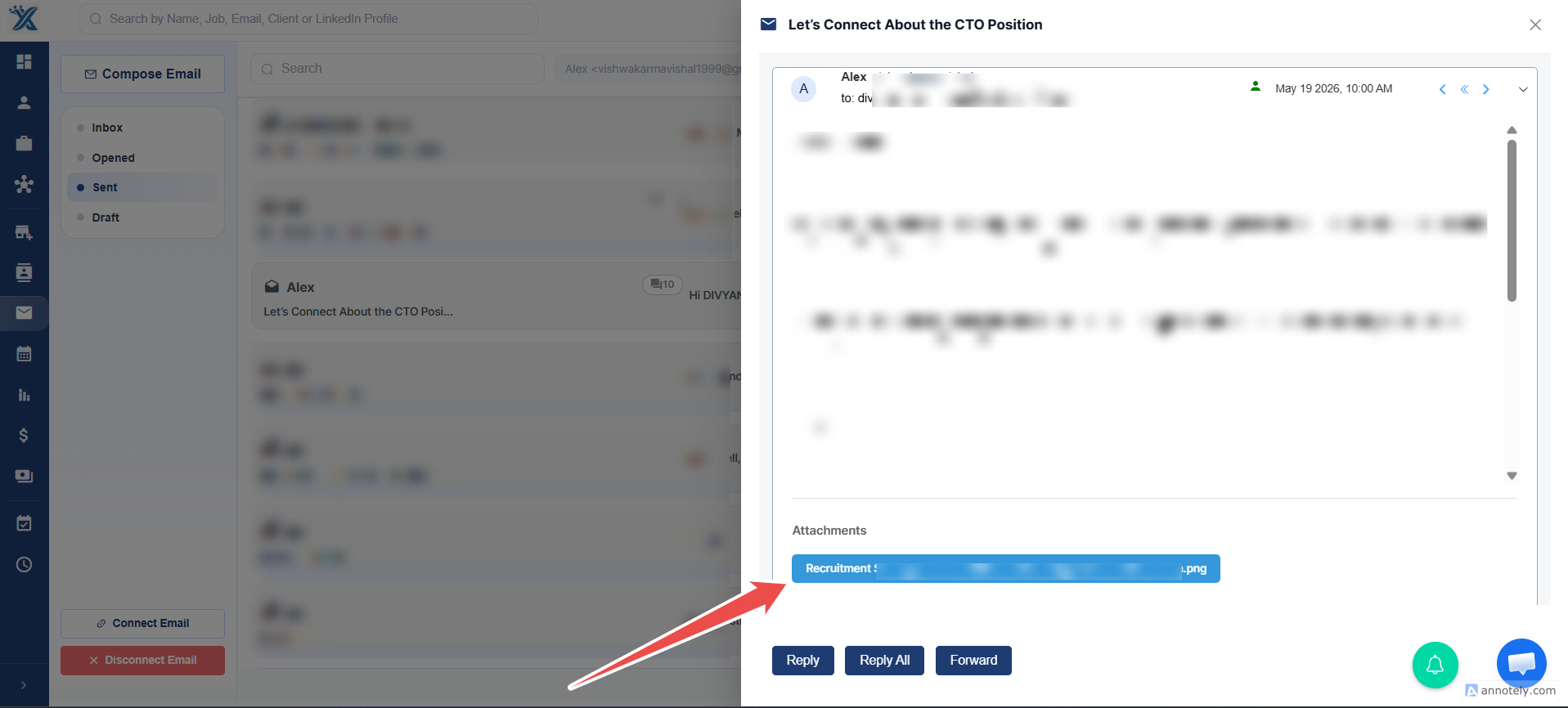
Section titled “Finding Attachments”If you’re unable to find a specific attachment or file within the current email’s HTML view, don’t worry. Attachments are associated with the individual email message where they were originally received.
To locate an attachment:
- Minimize the current email’s HTML view.
- Browse through the earlier messages within the same email thread.
- Open the email message that contains the attachment.
- Access or download the file directly from that message.
Resume Parsing
Section titled “Resume Parsing”For PDF resumes and similar candidate documents, you can use the built-in Resume Parsing feature directly from the attachment section. This allows you to quickly extract candidate information without downloading the file first.
Additional Notes
Section titled “Additional Notes”Since attachments are stored at the individual email message level, they may not always appear in the most recent email of a conversation. If an attachment seems to be missing, check previous messages in the same thread, as that’s typically where the file was originally received.